 EN
 العربية
 Български
 Čeština
 Dansk
 Deutsch
 Español
 Suomi
 Français
 हिन्दी
 Hrvatski
 Magyar
 Bahasa Indonesia
 Italiano
 日本語
 ქართული
 한국어
 Nederlands
 Polski
 Português
 Română
 Русский
 Slovenčina
 Shqip
 Srpski
 Svenska
 ไทย
 Türkçe
 Українська
 Tiếng Việt
 繁體中文
 简体中文
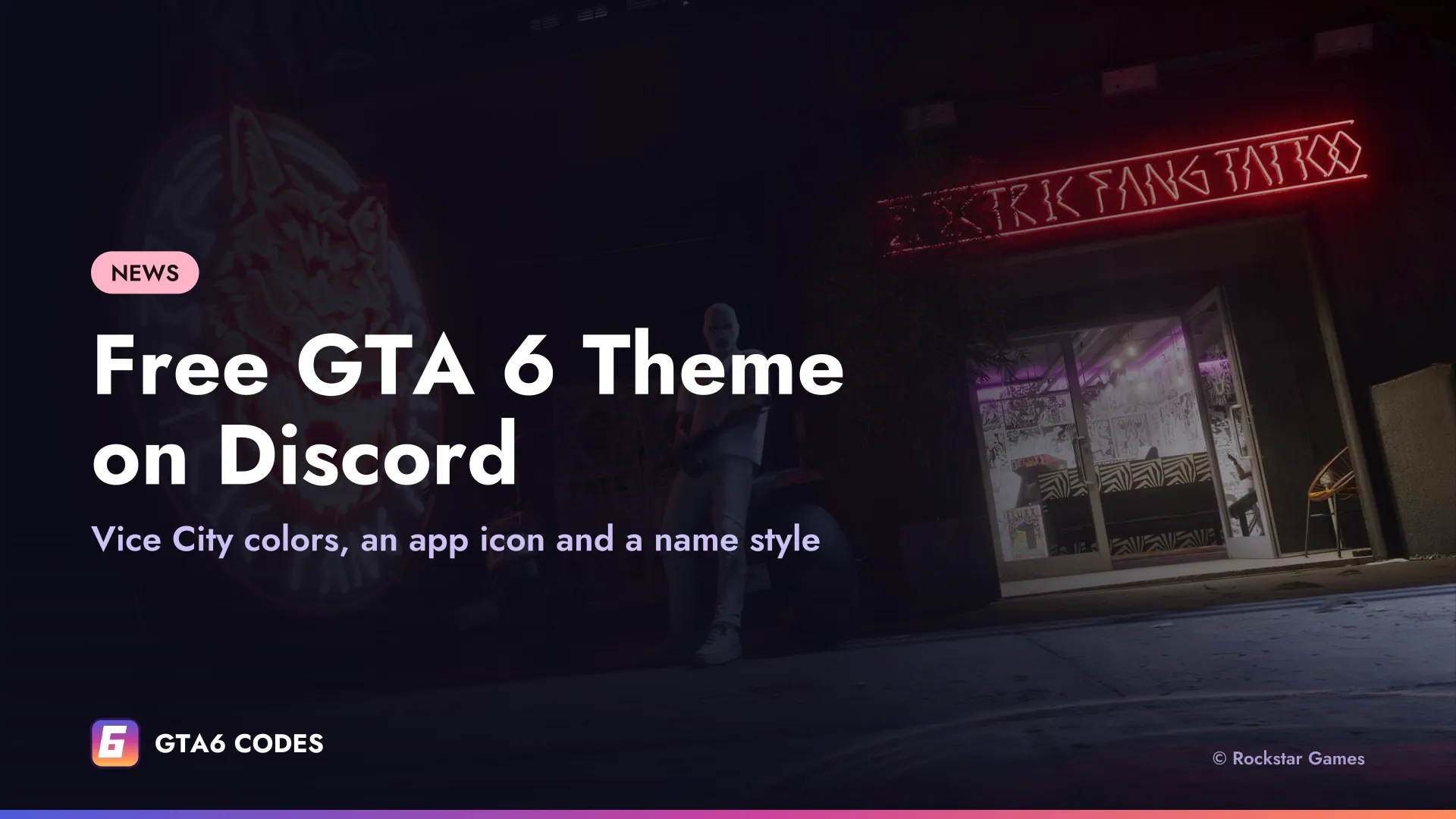
Discord's free GTA 6 promotion adds a Vice City color theme, app icon and Display Name Style, available to everyone until December 13, 2026. Nitro members (excluding Nitro Basic) keep access until February 20, 2027, and you don't need to own the game.
Key facts (as of November 23, 2026)
| Discord × Grand Theft Auto VI | |
|---|---|
| What’s included | Vice City color theme, app icon, Display Name Style |
| Platforms | Discord desktop and mobile |
| Free for everyone | Until December 13, 2026 |
| Nitro members (not Basic) | Until February 20, 2027 |
| Need to own GTA 6? | No |
| Pre-Load Video Quest (Orbs) | Ended November 18, 2026 |
How to turn it on
- Desktop: open User Settings → Appearance and choose the Vice City theme and app icon.
- Mobile: open Settings → App Settings and select the theme.
- Display Name Style: it shows up the next time you customize your profile.
During the launch week (November 16–22), the theme was applied from Discord’s Quest Home; since then it lives in the normal appearance settings.
What it looks like
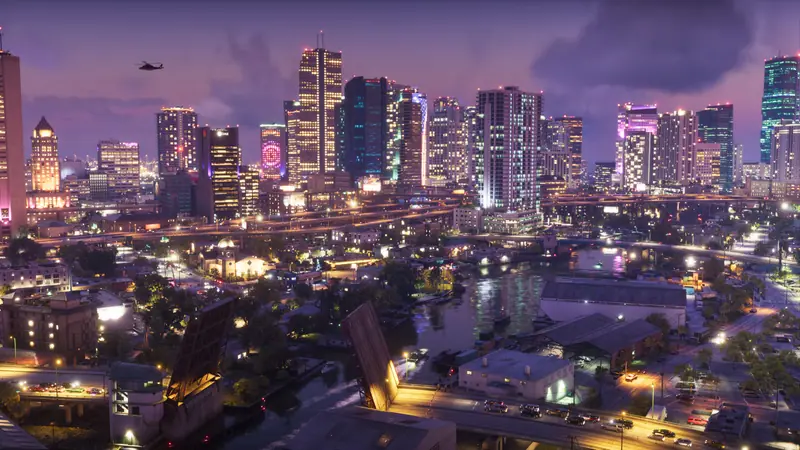
The theme repaints Discord in Vice City’s sunset pinks, purples and teal, the palette of GTA 6’s official artwork. The app icon and the Display Name Style match it, so your name in chats and servers carries the same neon look.
The Rockstar server and the Quest
Discord announced the collaboration with Rockstar Games on November 16, three days before launch. It also pointed players to Rockstar’s official Discord server for news. A Pre-Load Video Quest let eligible users earn Discord Orbs until November 18 — that part is over.
If you’re building a GTA 6 community or a stream, the theme is a quick way to dress your server for launch season; our guide to becoming a GTA 6 streamer covers the rest of the setup, and our own forum is open for GTA 6 talk.
Related
This page was generated with the help of AI, then reviewed by the gta6-codes.com team.
FAQ
How do I get the GTA 6 Discord theme?
On desktop, go to User Settings → Appearance; on mobile, Settings → App Settings, and pick the Vice City theme. The Display Name Style appears next time you customize your profile.
Is the GTA 6 Discord theme free?
Yes. It's free for everyone until December 13, 2026, and stays available to Nitro members (not Nitro Basic) until February 20, 2027. You don't need to own GTA 6.
What's included in the Discord Vice City promotion?
A Vice City color theme, a matching app icon and a Vice City Display Name Style, on desktop and mobile.
Can I still do the GTA 6 Discord Quest?
No. The GTA VI Pre-Load Video Quest, which gave eligible users Discord Orbs, ended on November 18, 2026.