 EN
 العربية
 Български
 Čeština
 Dansk
 Deutsch
 Español
 Suomi
 Français
 हिन्दी
 Hrvatski
 Magyar
 Bahasa Indonesia
 Italiano
 日本語
 ქართული
 한국어
 Nederlands
 Polski
 Português
 Română
 Русский
 Slovenčina
 Shqip
 Srpski
 Svenska
 ไทย
 Türkçe
 Українська
 Tiếng Việt
 繁體中文
 简体中文
To save in GTA 6, open the pause menu, go to the Game tab and choose Save Game, then pick one of the 15 manual slots. It works anywhere in free roam — no bed or safehouse needed — but not during missions, and only after the prologue.
GTA 6 changes how saving works compared with GTA 5: no safehouse beds, no phone save, but 15 manual slots and an autosave after missions. Knowing the rules protects you from losing hours of progress, and lets you go back to a mission later. Here’s everything, as of November 2026.
Key facts
| Question | Answer |
|---|---|
| How to save | Pause menu → Game → Save Game |
| Manual slots | 15 |
| Autosave | 1 separate slot, after missions |
| Save anywhere? | Yes in free roam, no during missions |
| Unlocks | After the prologue, at Jason’s house |
| Quick save button | No |
| Mission replay | No replay menu at launch |
| Cheats | Disable saving for that session |
How to save manually, step by step
- Finish or leave any mission. The save option is greyed out while a mission is active.
- Open the pause menu: Options on PS5, Menu (≡) on Xbox Series X|S.
- Go to the Game tab and select Save Game.
- Pick a slot. An empty slot saves immediately; a used one asks you to confirm the overwrite. Overwritten saves are gone for good.
- Check the slot details — each save shows the mission, completion percentage, date and time.
When you load a free-roam save, you may start at your safehouse rather than the exact spot where you saved.
How autosave works
GTA 6 autosaves after you complete a mission, and after some open-world events. Its rules:
- There’s one autosave slot, separate from your 15 manual slots, and each autosave replaces the last.
- It doesn’t run on a timer and doesn’t save mid-mission.
- You can’t turn it off.
- Loading an older manual save means the next autosave follows that save, not your previous progress.
The autosave alone isn’t a safety net: if the game crashes or you close it in the middle of free roam, you go back to the last completed mission. Make a manual save after long sessions of exploring, collecting or making money.
When you can’t save
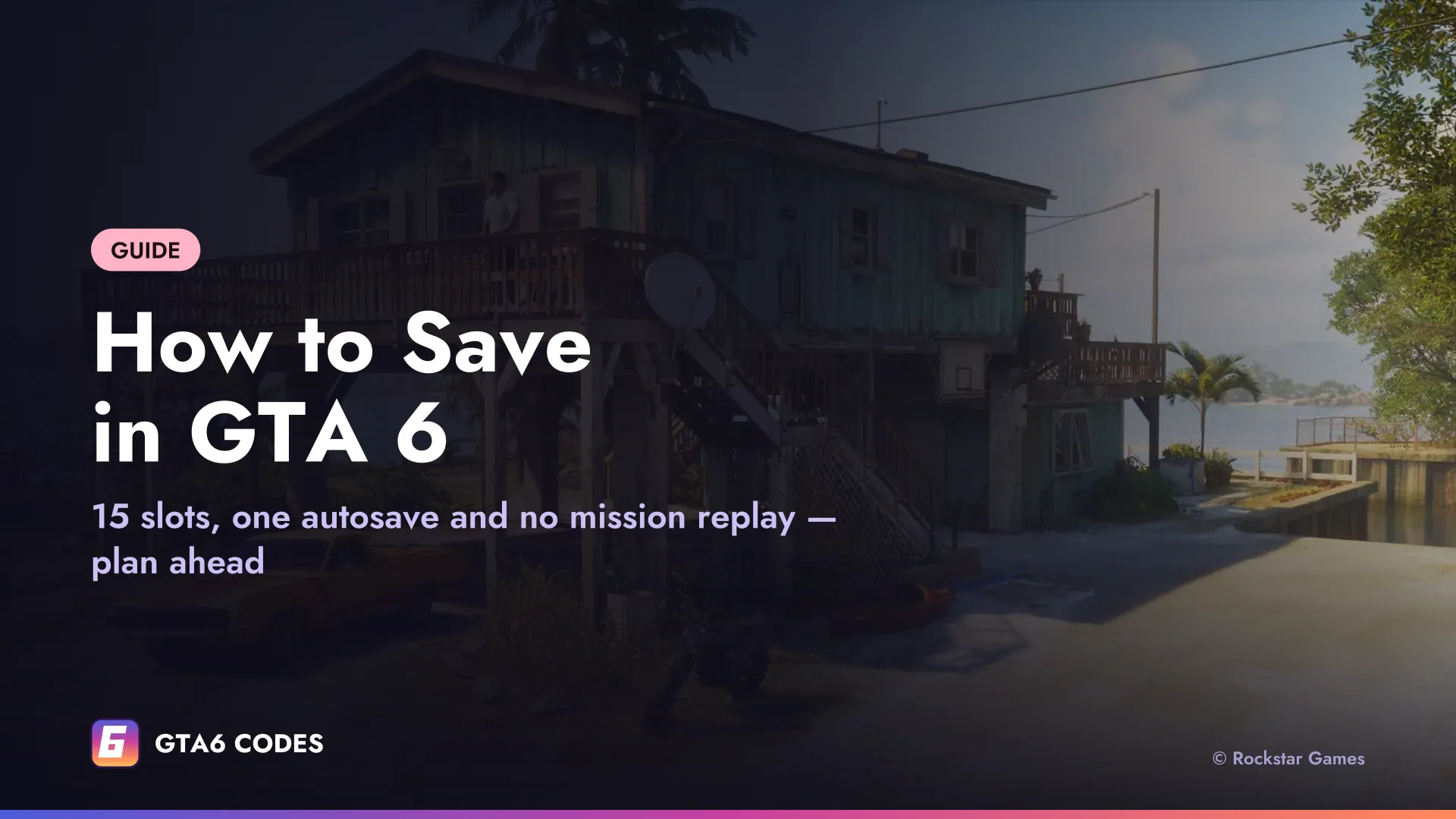
- During the prologue. Manual saving unlocks once the opening is over and you’re at Jason Duval’s house — his stilt house in the Leonida Keys.
- During missions. Use the pause menu’s Retry Checkpoint or Restart Mission instead.
- After using a cheat. Cheats disable saving (and trophies and achievements) for the rest of the session. Make a spare save before you try the codes on our GTA 6 cheats page, then reload it to play normally.
How to load a save
Open the pause menu, go to Game → Load Game and choose either the Autosave entry or one of your manual saves. The autosave appears with its mission name and percentage, so you can tell it apart.
Cloud saves on PS5 and Xbox
| Console | Cloud saves | What you need |
|---|---|---|
| PS5 | Yes, uploaded automatically when enabled | A PlayStation Plus membership (any tier) and auto-upload turned on in Settings → Saved Data |
| Xbox Series X|S | Yes, synced automatically | Nothing extra — Xbox cloud saves don’t need Game Pass Core or Ultimate |
There’s no way to move a GTA 6 save between PS5 and Xbox. If you’re deciding between memberships, see whether you need PS Plus or Game Pass for GTA 6.
No mission replay — plan your slots
GTA 6 has no mission replay menu at launch, and no chapter select. The only way to go back to a finished mission — to redo a heist, get a better result or see a scene again — is an older manual save — and with a story of about 50 to 60 hours (how long GTA 6 is), that’s a lot to replay. With 15 slots, a simple system works well:
- One slot per chapter, made right as it starts, kept forever.
- One slot before every big job — jewelry stores, bank vaults and story heists.
- One “cheats” slot you never use for normal play.
- A few rotating slots for everyday saves.
Keeping older saves has another advantage: a few launch bugs block mission objectives, and the fix players use is reloading an earlier save.
Tips
- Save before you quit. The autosave won’t cover anything you did since the last mission.
- Save before you spend big. A purchase you regret is easy to undo with a fresh save.
- Bank your cash, then save. Carried money is lost if you’re busted or wasted — see the GTA 6 money guide.
- Don’t overwrite your only good save after a risky choice. Use a new slot.
Last checked
As of November 21, 2026, Rockstar hasn’t published a guide to saving in GTA 6; the menu path, slot count and autosave behavior above match the launch version. Exactly which open-world events trigger an autosave is still being confirmed. GTA Online saves aren’t covered here. We’ll update this page with each patch.
Related
This page was generated with the help of AI, then reviewed by the gta6-codes.com team.
FAQ
How do you save manually in GTA 6?
Open the pause menu (Options on PS5, Menu on Xbox), go to the Game tab and choose Save Game, then pick an empty slot or overwrite an old one. You can do it anywhere in free roam.
How many save slots does GTA 6 have?
15 manual save slots, plus one separate autosave slot that the game overwrites each time it autosaves.
Can you save during a mission in GTA 6?
No. Manual saving is blocked during missions, and the autosave doesn't fire mid-mission either. Use Retry Checkpoint or Restart Mission from the pause menu instead.
Why can't I save in GTA 6?
You're either in a mission, still in the prologue — manual saves unlock once you reach Jason's house — or you've used a cheat, which disables saving for that session.
Can you replay missions in GTA 6?
There's no mission replay menu at launch. The only way back to a finished mission is loading an older manual save, so keep a slot per chapter.
Does GTA 6 have a quick save?
No button-based quick save. The pause-menu save works anywhere in free roam and takes a few seconds, which does the same job.